Lakshmi Bhandar Status Check 2026: Track By Aadhaar & Mobile
Applied for the scheme but haven't received money? You can easily Track Your Application Status online. The West Bengal government's official portal allows you to check if your form is "Approved", "Pending", or "Rejected" using your Mobile Number or Aadhaar Card.

Official Website Direct Link
Access the portal directly to avoid fake websites. The official tracking page is hosted on the Social Security ID domain.
How to Check Status Online (Step-by-Step)
Follow this simple process to know your current status for 2026:
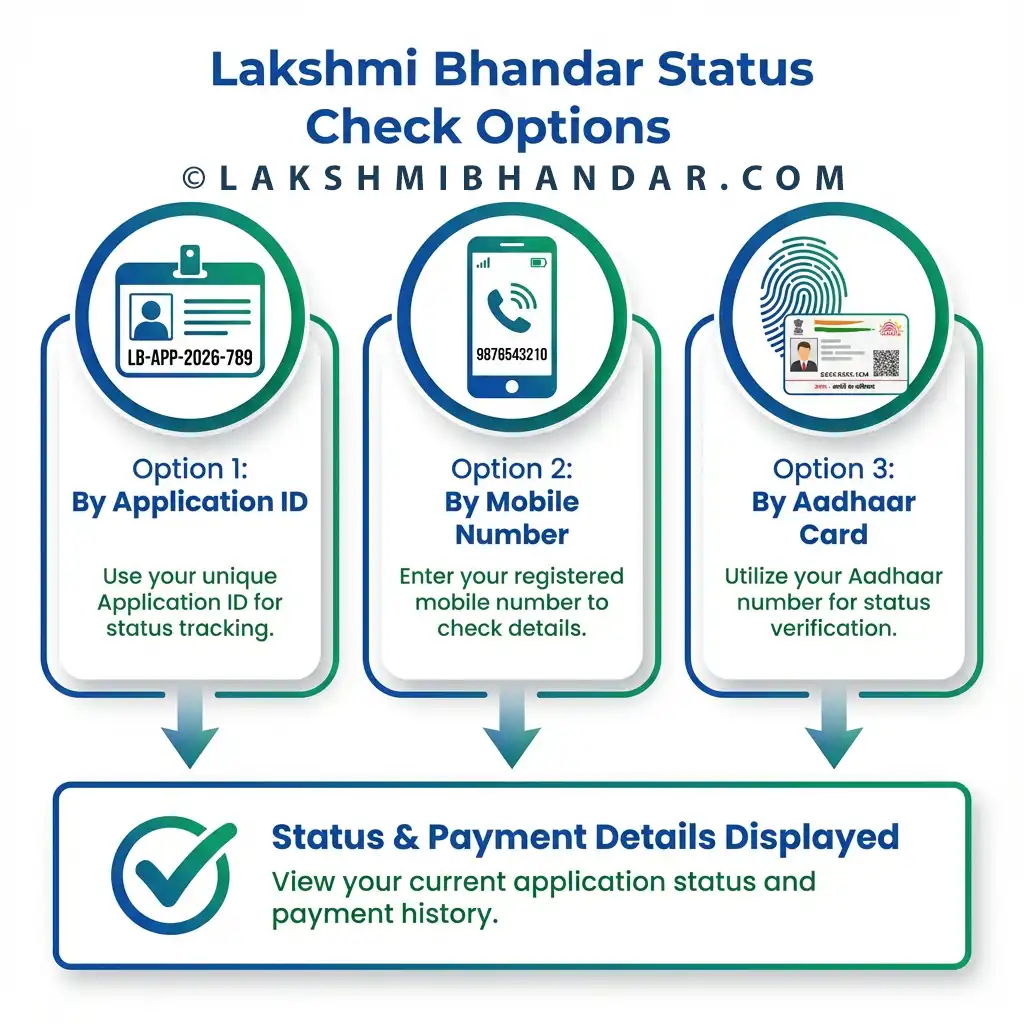
Method 1: Using Application ID
If you have your acknowledgement receipt:
- Visit the official link above.
- Please Enter your Application ID (e.g., LAK-...)
- Enter the Captcha code shown.
- Click Search.
Method 2: Using Mobile Number
If you lost your receipt, use your phone number:
- Enter the Mobile Number registered during application.
- Verify the OTP if requested (sometimes direct search works).
- Click Search to view details.
Method 3: Using Aadhaar Card
The most reliable method:
- Select "Aadhaar Number" option.
- Enter your 12-digit Aadhaar Number.
- This will show the status of all linked schemes.
Understanding Your Status Meaning
What does the result mean? Here is a quick guide:
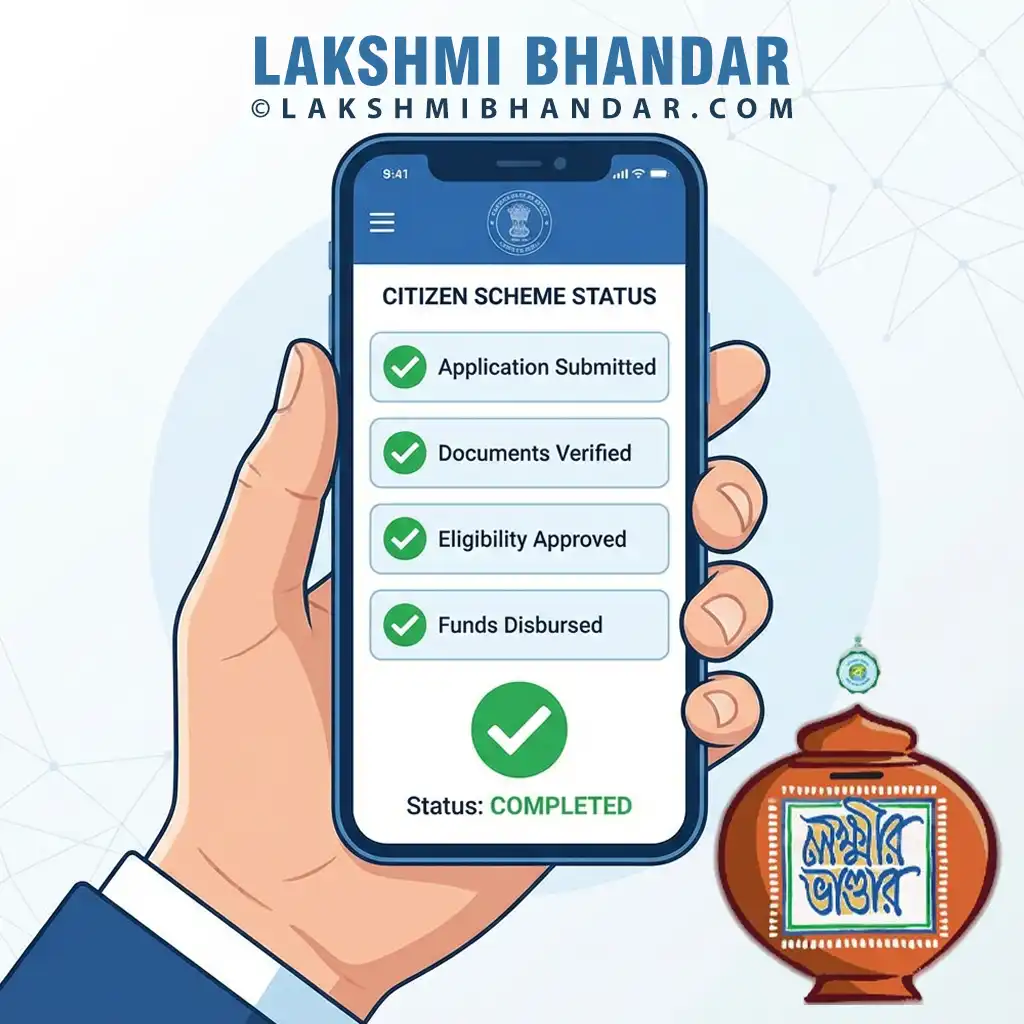
- Submitted: Form reached the Block office. Verification pending.
- Verified: Block level checking done. Sent to District.
- Approved: Congratulations! You will receive payment soon.
- Payment Success: Money has been credited to your bank.
Rejected? Contact your BDO office immediately with your documents to correct any errors.